Wireless Home Security Cameras in Houston: A Local Buyer’s Guide for 2026
| PHT Security Team
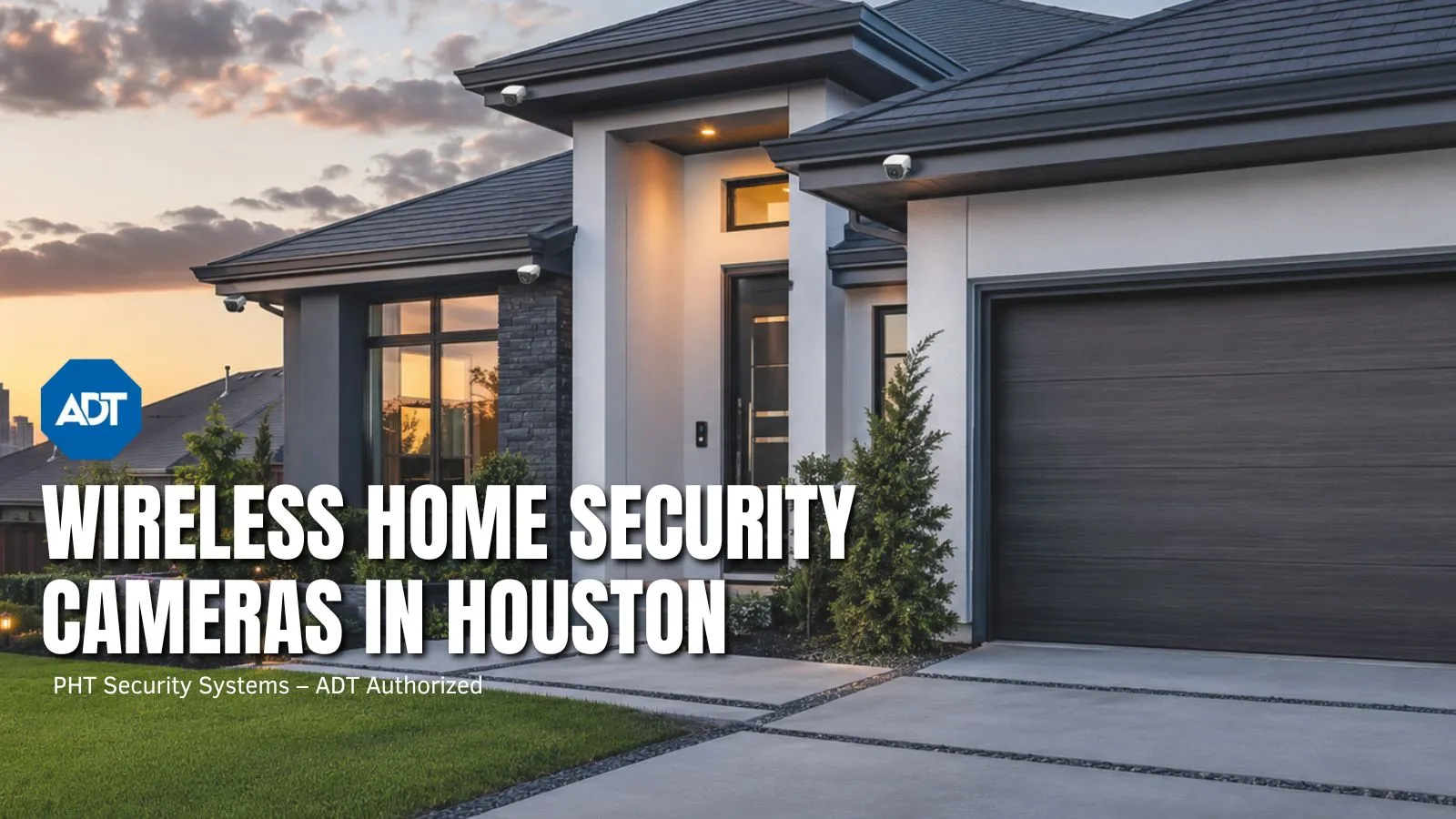
If you’re shopping for a wireless home security camera in Houston, here’s the short version: get something rated IP65 or higher, able to handle heat past 122°F, with cellular backup and local storage so it keeps working when the internet drops mid-storm. That’s not a small ask. Most cameras you’ll find online were designed for average weather somewhere in the Midwest, not the kind of summer we get here.
And that gap shows up fast. Homeowners in Houston, Pearland, League City, Missouri City, Friendswood, Fresno, and Pasadena deal with months of triple-digit heat, humidity that never really lets up, storms that show up with almost no warning, and power outages during hurricane season that seem to hit right when you’d actually want your camera working.
This isn’t just a spec sheet, though. Below, we get into what a camera actually costs installed, whether you need a permit, how something like Ring or Nest stacks up against a professionally monitored system, and when it’s worth calling someone instead of doing it yourself. If you’d rather just talk to someone who already knows Houston, PHT Security offers a free assessment and can tell you exactly what your place needs.
Why Houston Homeowners Are Switching to Wireless Cameras
Wireless cameras have become the standard choice across the Houston area, and the reasons are practical.
No wiring required. Wireless cameras run over WiFi or a cellular signal. No drilling through walls, no cable runs through attics, no need to hire someone just to get hardware in place. Most battery powered models are up and running in fifteen minutes.
Relocate them whenever you want. Add a pool, install a new fence, notice a blind spot you missed the first time around, and you can move a wireless camera without ripping anything out. That flexibility matters as your property changes over the years.
Check in from anywhere. Every modern wireless camera connects to a phone app so you can pull up your front door, driveway, or backyard from work, vacation, or just the other room.
Harder to disable than a wired setup. Cut the cable on a wired system and the camera is done. A wireless camera running on cellular backup is a significantly harder problem for anyone trying to take your system offline before attempting a break in.
One thing worth clarifying: wireless refers to how the camera transmits video and data, not how it gets power. Most cameras still need a power source, whether that is a rechargeable battery, a solar panel, or a wall outlet. Do not assume wireless means you never think about power again.
What Houston’s Climate Actually Demands from a Security Camera
This is the section most national buying guides skip entirely. Houston is not Phoenix, and it is not Seattle. A camera rated for outdoor use on a product page does not automatically hold up through a Gulf Coast summer.
Heat and Humidity Ratings
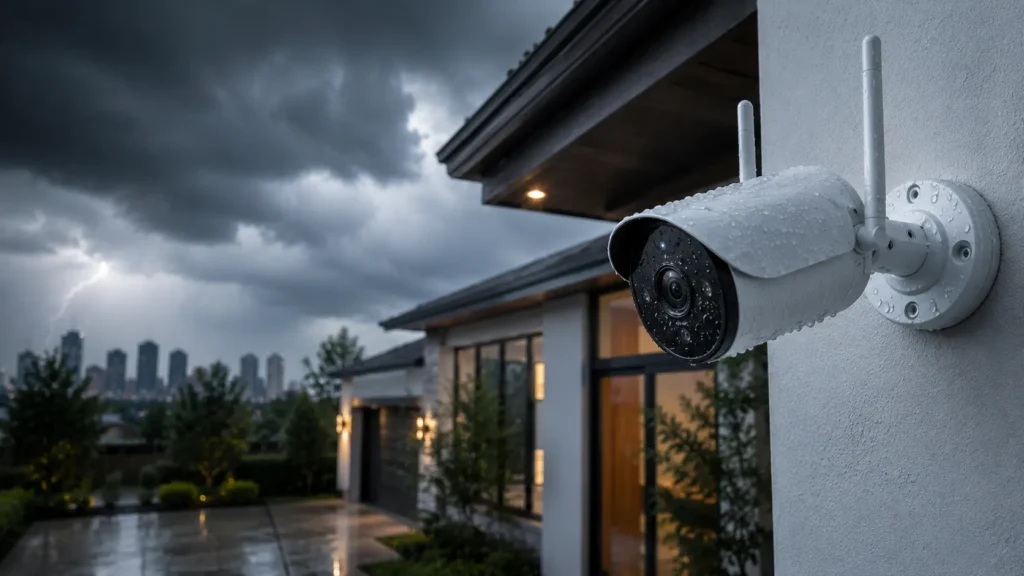
Start with the IP rating. IP65 or higher means the unit is sealed against dust and protected from water jets. That is the minimum for anything mounted outdoors in Southeast Texas.
The IP rating alone does not tell the full story though. Budget cameras with acceptable water resistance can still overheat during extended stretches of 95 plus degree days. When a camera overheats it does not just slow down. It shuts off or reboots. Cameras with a stated maximum operating temperature around 122°F hold up significantly better through a Houston summer than cheaper models rated for gentler climates.
Storm Resilience and Power Backup
A system that only works when your home electricity and internet are both running is useless during the events that make you want a camera in the first place.
Battery backup on both the camera and the hub keeps the system running through an outage.
Cellular backup monitoring means the system can still reach a monitoring center even if your internet goes down completely.
Local storage on an SD card or on site hub keeps recording going when cloud services become unavailable due to connectivity loss.
A storm serious enough to cut your power will often take out your internet at the same time. Your system needs to handle both going down simultaneously.
WiFi Range and Larger Home Layouts
Master planned communities around Pearland and League City commonly feature larger lots with detached garages, guest houses, long driveways, and side yards behind fencing. A camera planted at the outer edge of your router range will drop footage at the worst possible time.
Before mounting anything, walk to the exact spot where you plan to install the camera and check your WiFi signal on your phone. If it is weak there, either add a mesh WiFi extender or look for cameras with strong long range antennas built in. Testing first costs nothing.
How Much Do Wireless Security Cameras Cost in Houston?
This is one of the most common questions Houston homeowners ask, and the honest answer is that cost depends on how many cameras you need, whether you want professional monitoring, and who does the installation.
Standalone DIY cameras run from around $50 to $300 per unit depending on resolution, storage type, and smart detection features. No installation cost, but no professional monitoring either.
Professionally installed systems through a provider like PHT Security include equipment plus installation. Monthly monitoring plans typically fall between $20 and $60 per month depending on the number of devices and the level of service.
Cloud storage subscriptions for standalone cameras usually run $3 to $15 per month per camera after the free trial period ends.
The most accurate way to get real pricing for your property is through a free assessment from a local provider who can actually look at your home layout, lot size, and specific coverage needs before quoting anything.
Do I Need a Permit to Install Security Cameras in Houston?
For standard residential camera installations on your own property, Houston generally does not require a permit. There are a couple of details worth knowing though.
If your system includes a monitored alarm with an audible siren, the City of Houston requires a false alarm permit through the Houston Police Department. It carries a small annual fee and helps you avoid fines if your alarm triggers accidentally.
HOA rules in communities like Pearland, Missouri City, and Friendswood can add their own restrictions on where cameras can be placed and whether they can be visible from the street or neighboring properties. Always check your HOA covenant before installing anything on a shared wall or pointed at a neighbor.
If you are unsure about your situation, a local installer who knows Houston regulations and local HOA requirements can save you from a frustrating correction later.
Ring, Nest, and Arlo vs. a Professionally Monitored System
A lot of Houston homeowners start their search looking at popular brands like Ring, Nest, and Arlo. These are real products that work. But they operate very differently from a professionally monitored system, and that difference matters.
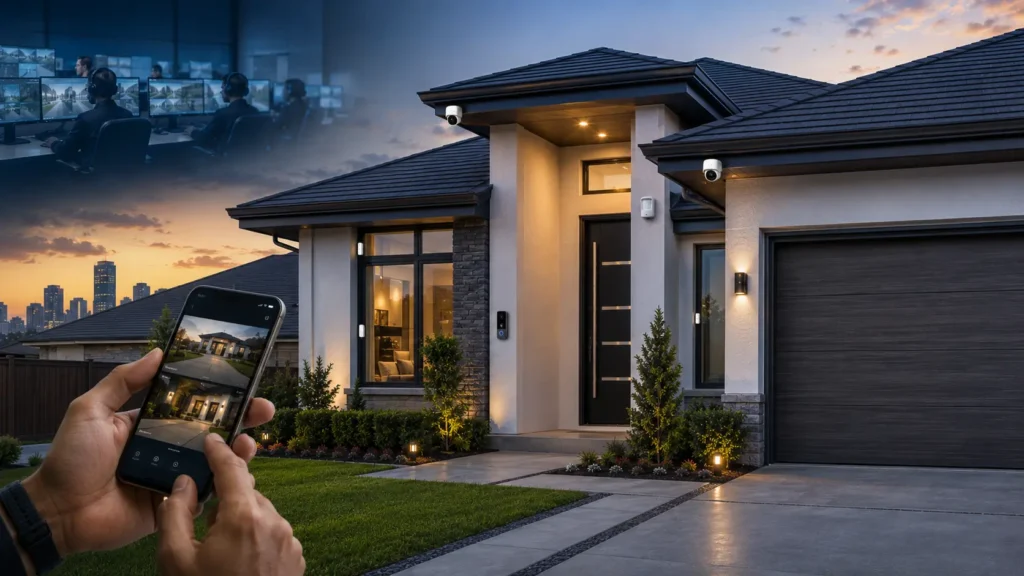
Standalone cameras from popular consumer brands send alerts to your phone and store footage in the cloud. You decide whether to call the police, and you do that after you notice the notification. If you are asleep or away from your phone, the response depends entirely on when you happen to check it.
A professionally monitored system connects your cameras, door sensors, window sensors, and motion detectors to a 24/7 monitoring center staffed by real people. When something triggers, trained staff verify the alert and can dispatch emergency services immediately without waiting for you to wake up or unlock your phone.
For many Houston homeowners the right answer combines both approaches: cameras with a solid app for day to day awareness, backed by professional monitoring for the situations where a real time response actually matters.
PHT Security installs systems through ADT, one of the most established monitoring networks in the country, paired with local installation and support from a Houston based team.
Key Features That Separate Good Cameras from Average Ones
Once climate and connectivity are sorted, here is where the real differences between camera systems show up.
Resolution. 1080p is the floor in 2026. 2K or 4K gives you enough detail to identify a face or read a license plate, which matters if footage ever needs to support a police report or insurance claim.
Night vision. Color night vision using a spotlight or high output LEDs produces usable footage. Standard infrared black and white imaging is grainy enough that it often cannot confirm who was actually on your property.
Smart motion detection. A camera that triggers every time a branch moves or a car passes your street will be muted within a week. AI based detection that tells the difference between a person, a vehicle, and an animal cuts false alerts significantly and means you will actually respond when a real notification comes through.
Two way audio. Talk to a delivery driver, warn someone loitering on your porch that you can see them, or check in with whoever is home. It also functions as a deterrent when a would be intruder realizes they are being watched and heard in real time.
Storage options. Cloud storage survives if the camera is stolen or damaged but typically requires an ongoing monthly cost. Local SD card storage is free but disappears with the hardware if a camera is taken. A setup that uses both gives you redundancy without depending entirely on either.
Smart home compatibility. If you already run Alexa, Google Home, or a smart lock, choosing a camera system that works within that ecosystem is significantly more useful than managing a separate app for each device.
What Is the Best Doorbell Camera for Houston Homes?
Doorbell cameras are the single most popular security upgrade among Houston homeowners right now. Porch theft is a genuine and growing problem, particularly around the holidays, and a doorbell camera addresses it directly.
For Houston conditions the same rules apply as for any outdoor camera. You want IP65 or higher weatherproofing, a heat tolerance up to at least 122°F, and ideally a wired installation rather than battery only if your existing doorbell wiring supports it. Wired doorbell cameras are more reliable in extreme heat because they do not depend on a battery that loses capacity faster in high temperatures.
Color night vision matters more for a doorbell camera than almost any other placement because most package theft and unauthorized visitors happen in low light. A color image is almost always more useful than grainy infrared footage when trying to identify someone.
Pairing a doorbell camera with a driveway or side yard camera covers the two scenarios Houston homeowners most commonly want to prevent.
Not sure whether you need indoor coverage, outdoor coverage, or both? The answer changes the hardware you buy. Here is a breakdown of how indoor and outdoor security cameras differ before you make that call.
Wireless Cameras vs. Full Home Security Systems
A single camera on your front door is a useful tool. It is not the same as a full security system.
A standalone wireless camera records and alerts you. You decide what happens next and when. For package deliveries and general awareness, that is often enough.
A full home security system combines cameras with door sensors, window sensors, motion detectors, and professional monitoring. When something trips, a monitoring center can verify the alert and dispatch help even when you are off the grid. Most Houston homeowners who start with a single camera find themselves wanting more coverage within the first year. Planning for that from the beginning, rather than adding cameras one at a time, almost always results in better coverage and lower total cost.
DIY vs. Professional Installation
For a single camera on your front door or driveway, doing it yourself is typically the right move. The setup is straightforward and the savings are real.
Professional installation earns its value in more complex setups. Multiple cameras covering a full property, integration with an existing alarm system, and placement decisions that account for Houston specific issues like afternoon sun glare, tree coverage, and blind spots created by fencing all benefit from someone who has done hundreds of these installs in this exact region.
A professional also handles the technical side of syncing cameras to a monitoring center correctly. That step is easy to misconfigure in a DIY setup, and the mistake usually stays invisible until a real event reveals it.
Local Considerations for Houston Area Homeowners
HOA restrictions. Communities in Pearland, Missouri City, and Friendswood commonly have HOA guidelines around exterior equipment, camera placement, and visibility. Check your HOA covenant before mounting anything on a shared wall or pointed toward a neighbor.
Flood zones. If your property sits in a flood prone area, mount cameras and hubs above the expected flood line. Battery or solar powered units that do not depend on a single power source add real resilience when hurricane season conditions escalate fast.
Package theft. Front door and driveway cameras are the most requested placement across the Houston area year round, with a sharp spike around the holidays. A doorbell camera paired with a driveway or side yard camera covers most real scenarios.
Internet reliability during storms. Internet outages during major weather events are common across Southeast Texas. Any system you buy should be capable of operating independently of your home internet connection for at least the duration of a typical power restoration window.
How PHT Security Helps Houston Homeowners
PHT Security installs and monitors wireless camera systems built specifically for Houston homes and neighborhoods, not a national package retrofitted to fit a city it was not designed for. As a Houston based ADT Authorized Dealer, we combine professionally installed wireless cameras with 24/7 monitoring so your home has real coverage whether you are home, asleep, or out of town.
We handle the local details that matter: camera placement that avoids afternoon glare and accounts for actual blind spots, battery and cellular backup so your system keeps running through a power outage, and smart home integration so everything operates as one system instead of a collection of separate apps.
We serve homeowners throughout Houston and the surrounding communities including Pearland, League City, Missouri City, Friendswood, Fresno, and Pasadena. A free security assessment is the easiest starting point. You can also explore our residential security camera installations or reach our team directly at (281) 272-5276.
Frequently Asked Questions
What are the best wireless security cameras for Houston heat and humidity?
Look for cameras with IP65 or higher weatherproofing and a maximum operating temperature of at least 122°F. These specifications ensure the unit can handle Houston summers without overheating or fogging up. A local installer can match specific hardware to your property and climate exposure.
Do wireless security cameras work during Houston power outages?
Only if the system is built for it. Cameras with battery backup and cellular monitoring stay online during an outage. Cameras that rely entirely on home WiFi and electricity go dark at exactly the moment you need them working. Verify this before purchasing any system.
How much does professional security camera installation cost in Houston?
Equipment costs vary depending on the number of cameras, resolution, and storage options you choose. Monthly monitoring plans typically range from $20 to $60 per month. A free no obligation assessment from a local provider gives you the most accurate pricing for your specific home.
Do I need a permit for security cameras in Houston?
Standard residential installations generally do not require a permit. If your system includes a monitored alarm with a siren, a false alarm permit from the Houston Police Department is required. HOA rules in many Houston area communities add placement and visibility restrictions on top of that.
What is the difference between a Ring camera and an ADT monitored system?
A Ring camera alerts you and records footage. You decide what happens next. An ADT monitored system through PHT Security connects to a 24/7 monitoring center that can verify alerts and dispatch police without you needing to see a notification first.
Can I install wireless cameras myself, or should I hire someone?
A single camera is usually manageable on your own. A full property setup with multiple cameras, sensors, and monitoring integration benefits significantly from professional installation to avoid blind spots, connectivity gaps, and configuration errors that only reveal themselves during an actual emergency.
Are wireless cameras reliable in Houston heat and humidity?
Yes, with the right hardware. Units rated IP65 or higher with a maximum operating temperature around 122°F perform reliably through Houston summers. Budget models not rated for extreme heat can overheat or fail during peak months and should be avoided for outdoor use in this region.
Do I need a subscription to use wireless security cameras?
Local storage on an SD card is typically available at no ongoing cost. Cloud storage, extended video history, and advanced AI detection features usually require a monthly plan. Compare exactly what each option includes before committing.
Final Thoughts
Choosing a wireless home security camera in Houston is not the same as choosing one for most other parts of the country. Climate resilience, home layout, storm preparedness, local HOA rules, and how a camera fits into a broader security setup all carry more weight here. Matching a system to your actual property and conditions, rather than buying whatever ranks highest in a search written for a national audience, is the difference between a camera that performs and one that fails you at the worst possible time.
PHT Security offers free no obligation security assessments for homeowners across Houston and the surrounding communities. Get in touch or call (281) 272-5276 to find out what setup actually fits your home.

PHT Security Team
We believe everyone deserves to feel safe at home and at work. Our team shares practical security advice, helpful resources, and the latest insights on ADT systems, security cameras, smart home technology, and commercial security to help you make informed decisions. Whether you’re exploring your first security system or upgrading your current setup, we’re here to help you protect what matters most.
PHT Security Team
we believe everyone deserves to feel safe at home and at work. Our team shares practical security advice, helpful resources, and the latest insights on ADT systems, security cameras, smart home technology, and commercial security to help you make informed decisions. Whether you’re exploring your first security system or upgrading your current setup, we’re here to help you protect what matters most.